Recommended OBD2 Adapters for OBD NINJA
OBD NINJA works with ELM327-compatible Bluetooth Low Energy adapters. Over the past few years, BLE OBD2 adapters have improved significantly in both quality and availability — usable models are now widely available for a few thousand yen. This article shares the models we have verified, and a quirk (the BLE triple-send) that some adapters exhibit.
1.Requirements
Three simple requirements for an adapter to work with OBD NINJA.
- ELM327 compatibleCommand set must follow the ELM327 standard.
- Bluetooth Low Energy (BLE 4.0+)Classic Bluetooth and Wi-Fi types are not supported.
- OBD2 port form factorStandard physical connector that fits the vehicle port.
2.Recommended adapters
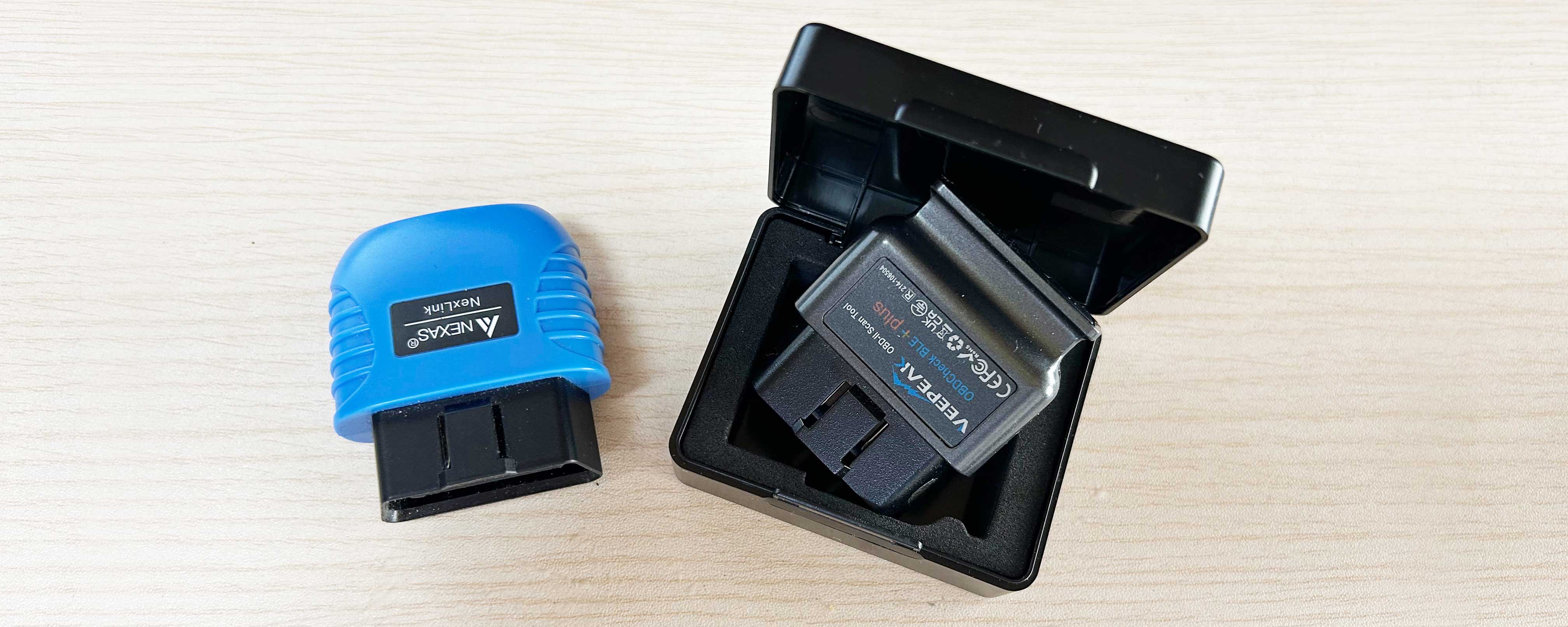
These two models have been verified with OBD NINJA across multiple vehicles. Core data — RPM, vehicle speed, coolant temperature, throttle position — reads cleanly on both.
Veepeak OBDCheck BLE+
- BLE
- 5.0
- Source
- Stable on Amazon
- Notes
- Triple-send BLE quirk (handled in app — see below)
NEXAS Nexlink OBD2 / EOBD
- BLE
- 4.0+
- Source
- Available on Amazon / Rakuten
- Notes
- Generally well-behaved
3.A note on cheap clones
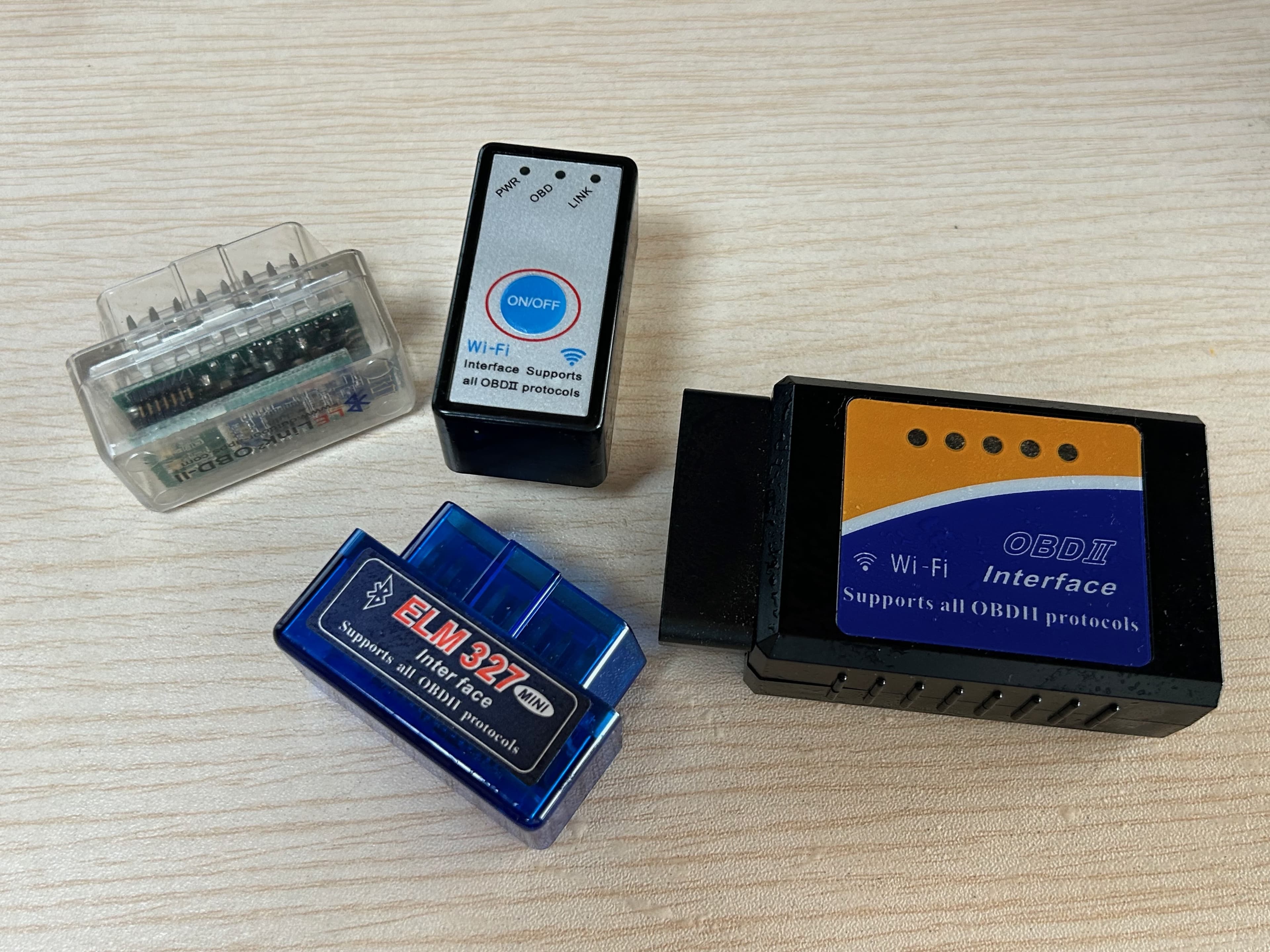
In the past, Amazon was flooded with cheap clones falsely claiming ELM327 compatibility — many failed to connect or returned garbled data, and adapter selection alone caused many users to give up. Quality has improved recently, but when picking one, check the reviews, the manufacturer page, and that BLE 4.0+ is explicitly stated.
4.A technical note on the BLE triple-send
Veepeak — the model we recommend — has one quirk worth knowing about. Each BLE notification is transmitted three times in a row, which can break parsing of multi-frame CAN responses (such as RPM). On further investigation, this is not specific to Veepeak — it is a behavior commonly seen across ELM327-compatible adapters.
> SEND 010C< RECV 41 0C 0F A0< RECV 41 0C 0F A0 // duplicate< RECV 41 0C 0F A0 // duplicateOBD NINJA handles this on the app side via deduplication.
5.Still not working?
If your adapter cannot connect or returns no data, please reach out via the contact form or DM us on X with the following information:
- Adapter model number
- Vehicle make / year
- Symptom (can't connect / no data / disconnects)
We will investigate and respond as best we can.
Download OBD NINJA
Free on iOS and Android.