OBD Ninja Desktop
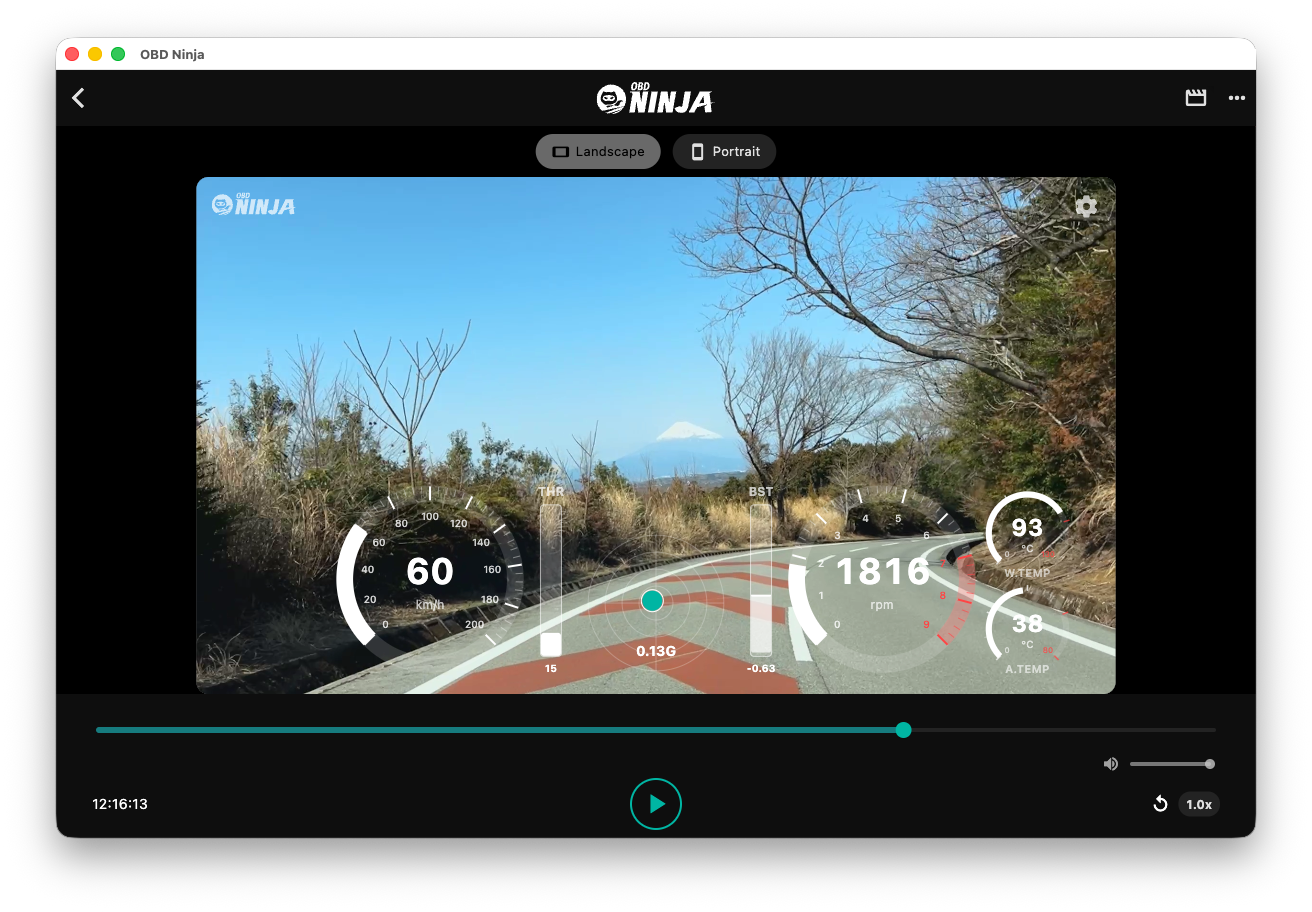
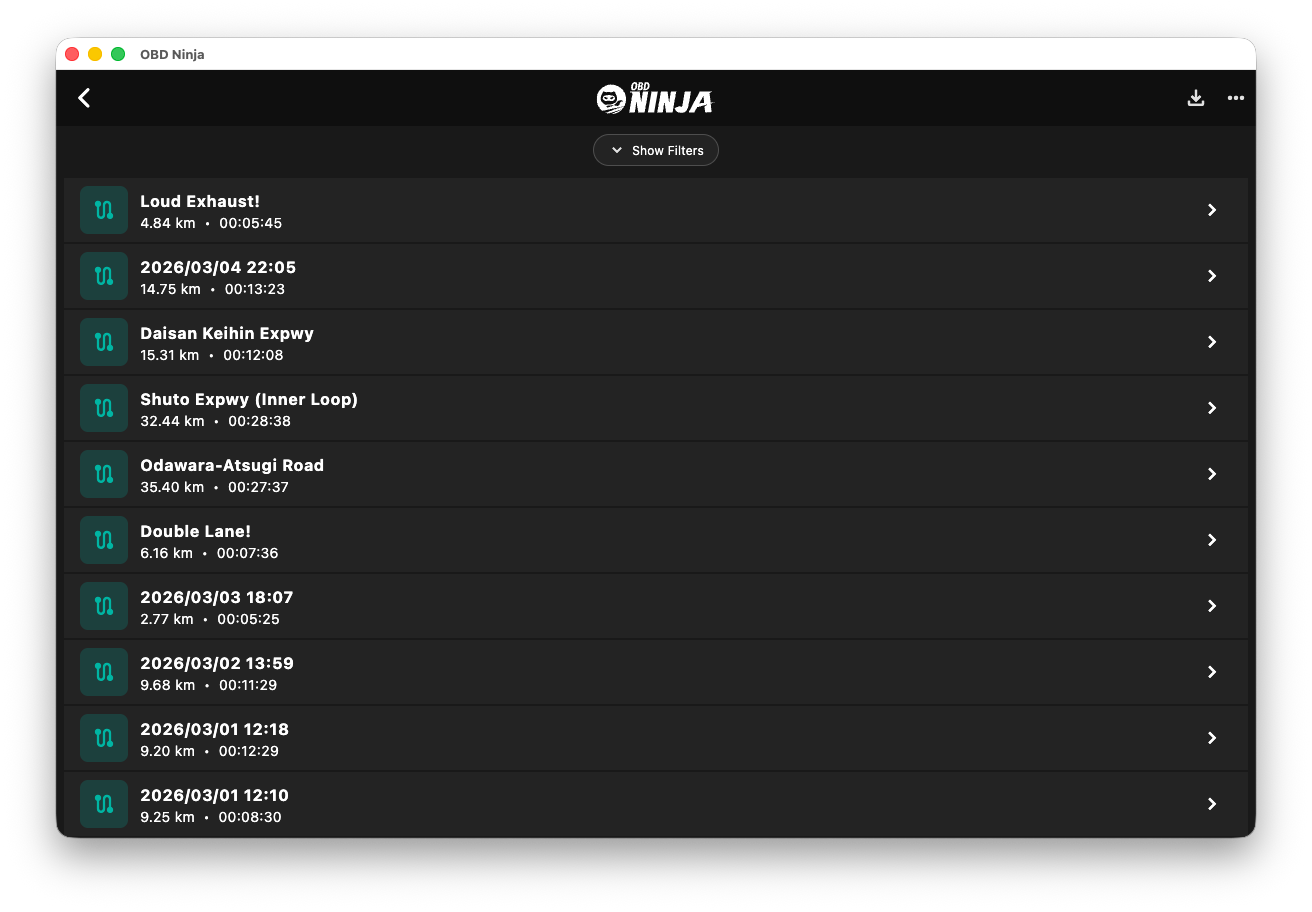
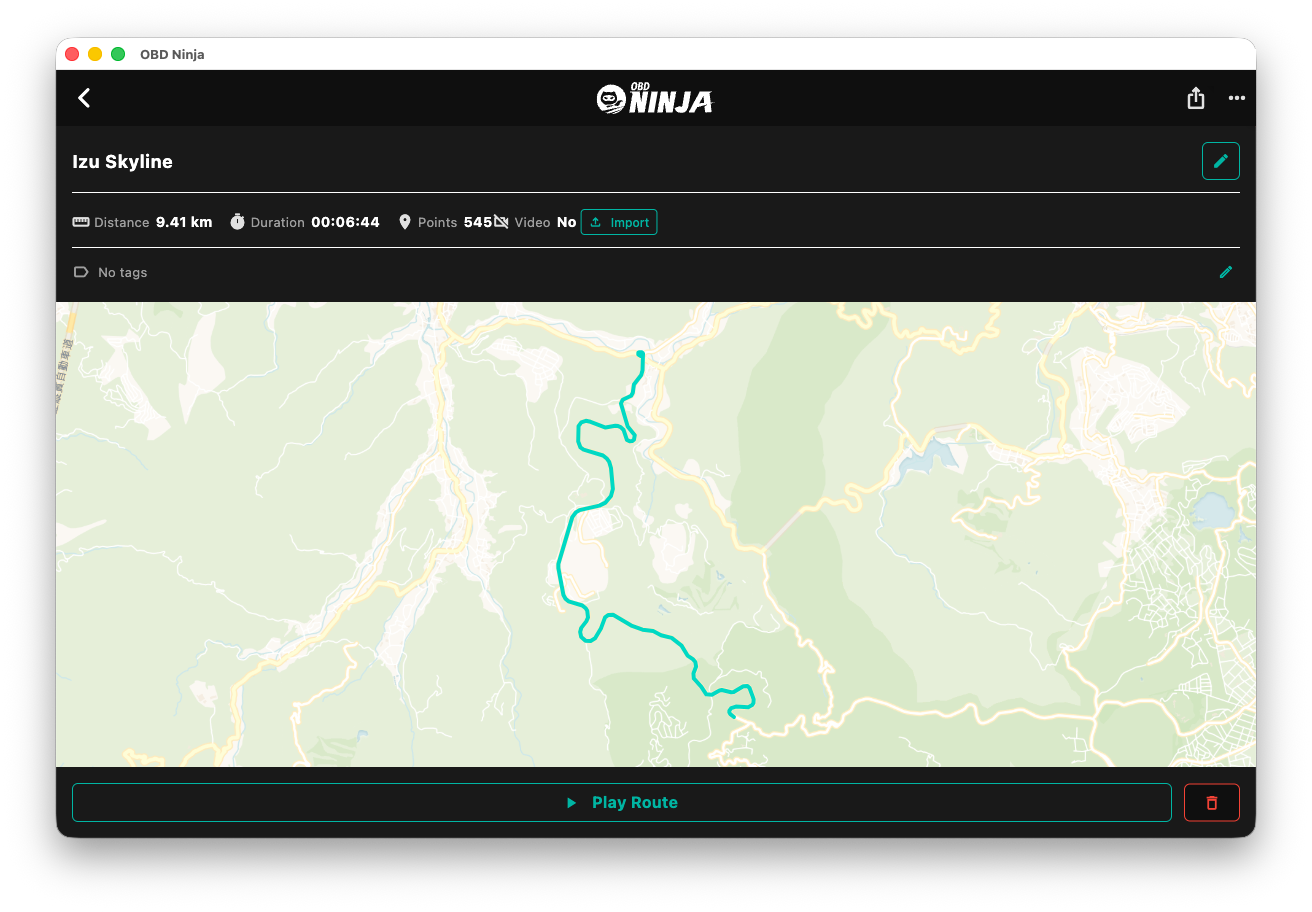
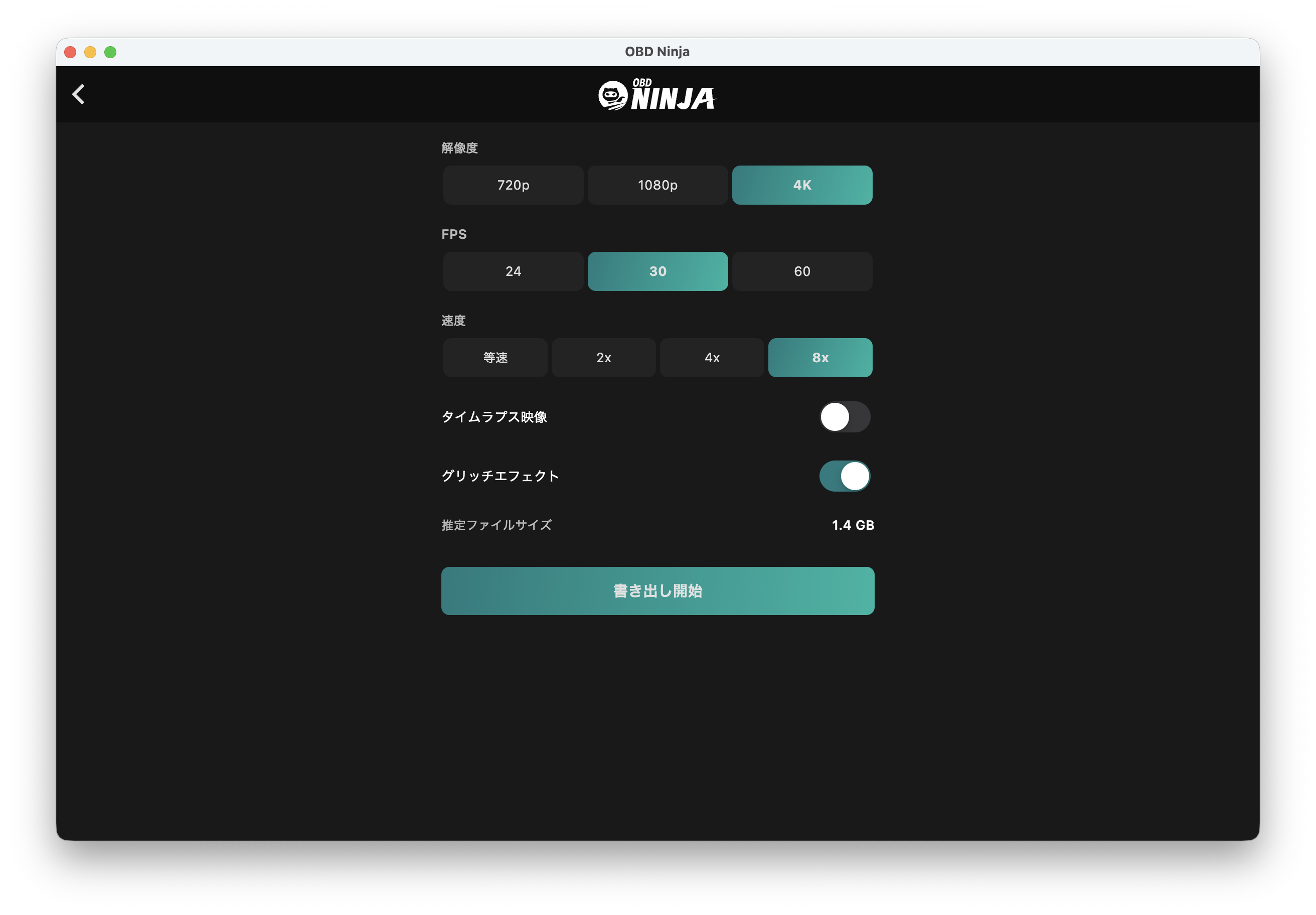
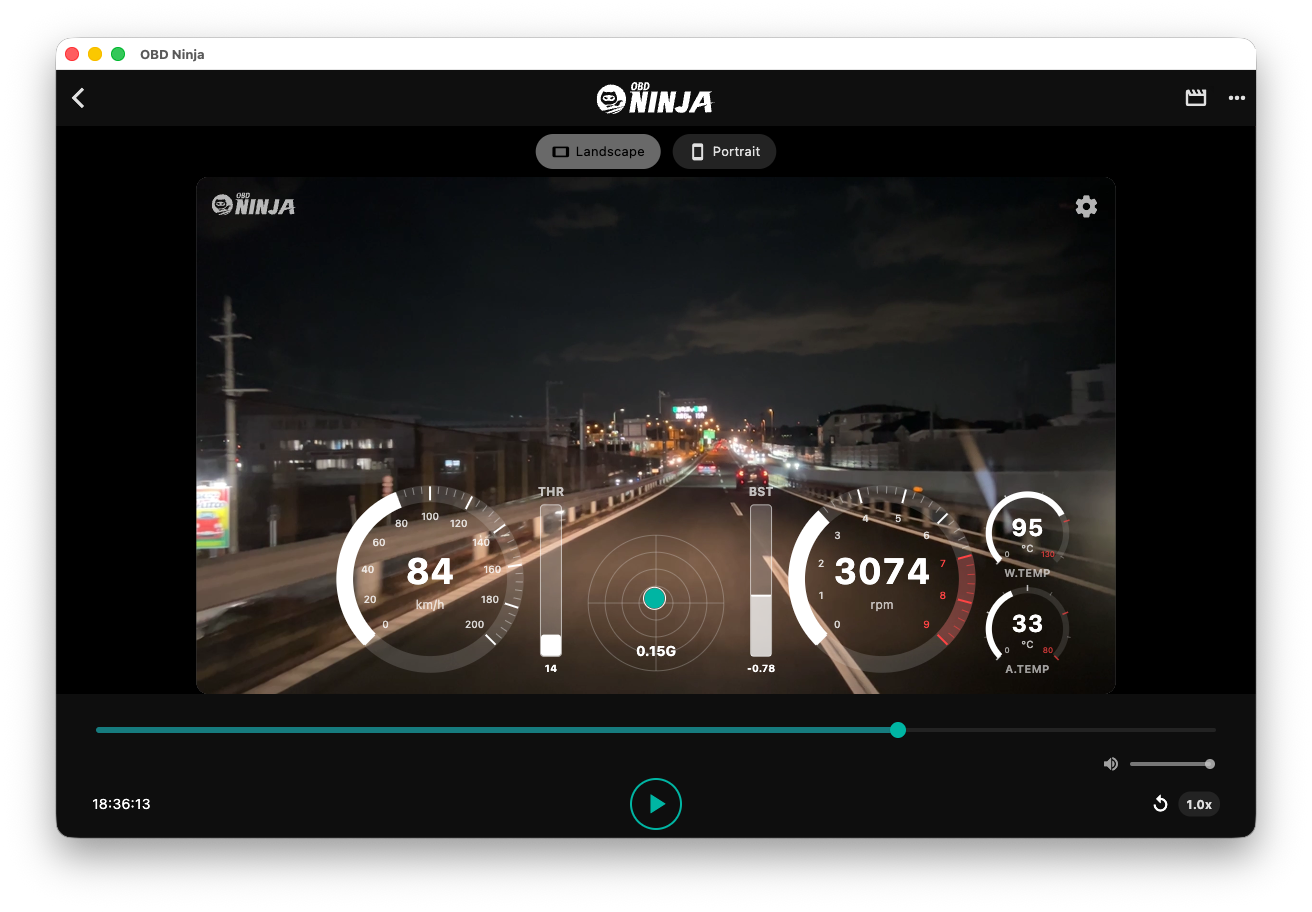
Replay and edit drive data recorded on your phone on the desktop. Export videos with telemetry overlay.
System Requirements
macOS
macOS 12 Monterey or later
Apple Silicon supported
Windows
Windows 10 (64-bit) or later
Key Features
- Easy data transfer from phone via QR code
- Video export with telemetry overlay (4K / HDR)
- Import external camera (dashcam) footage
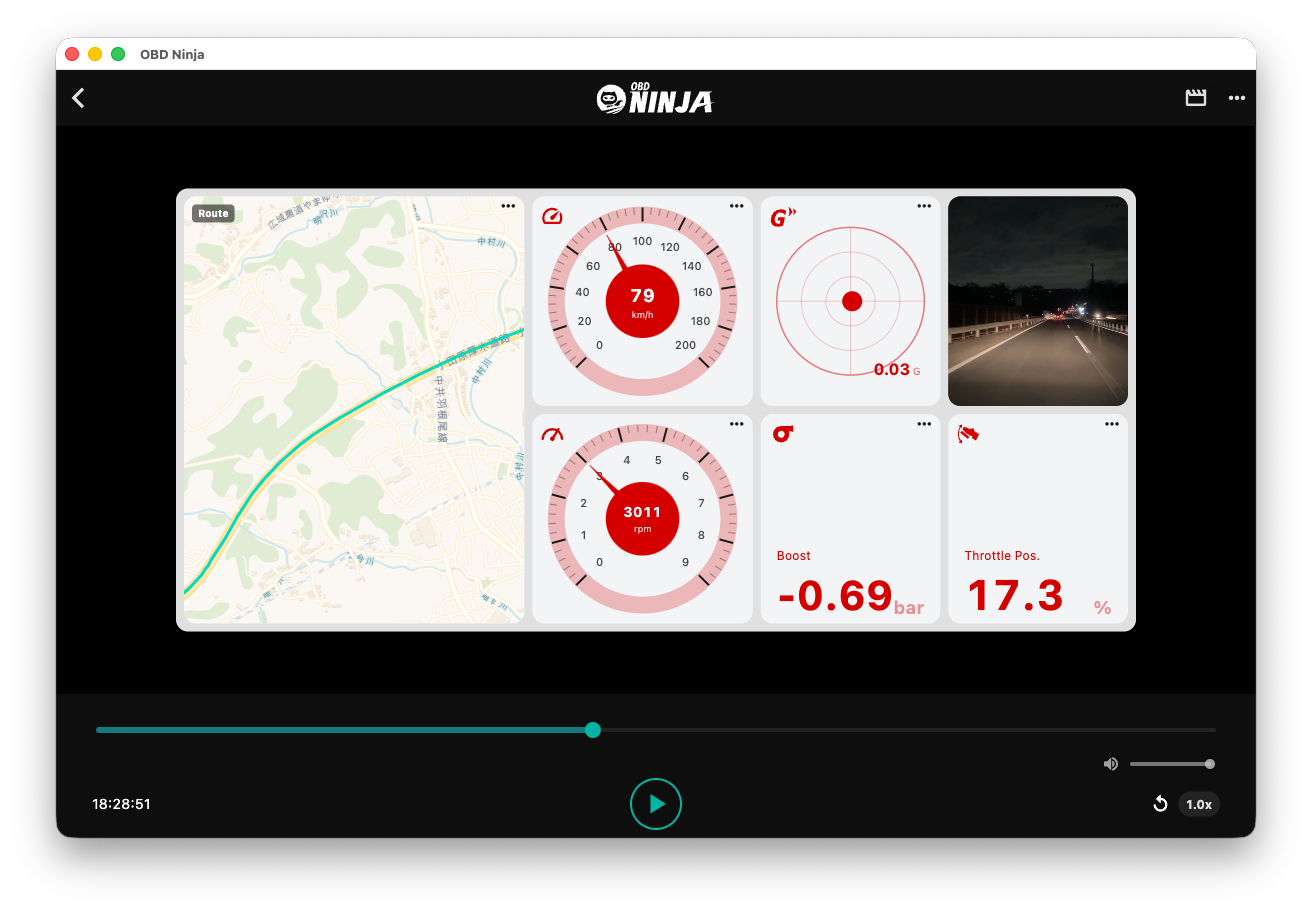
- Replay and analyze drive data on a large screen
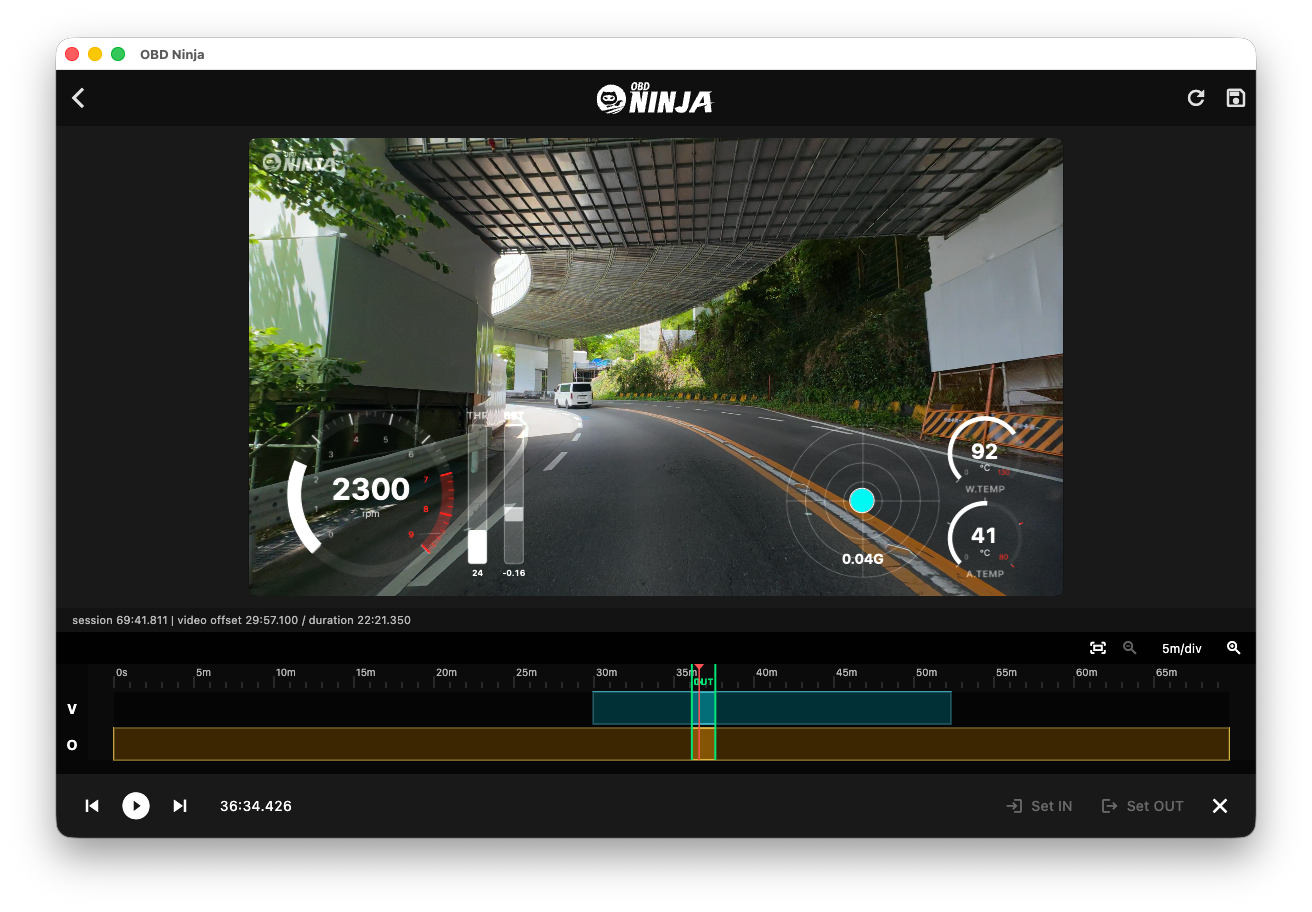
- Adjust video/data sync timing and trim clips in GT View
- Export your route as an animated map video (Route Video / GPX)
- Estimated Power slot and Virtual Dyno (carries over the coefficient calibrated on mobile)
Update History
v1.0.192026.10.10
- Route Video Export now has a live preview — see how far the map zooms in before you export. The preview matches the first frame (Follow) or last frame (Full route) of the video
- The zoom slider now zooms in as you move it right, with tick marks, and zoom changes smoothly between steps
- Two-column export dialog (preview on the left, settings on the right); narrow windows switch to a single column
- Improved compatibility with drive logs from mobile v1.3.7 and later
v1.0.182026.09.23
- Faster record details — the map now appears immediately and the corrected track (tunnels, GPS glitches) is swapped in afterwards instead of blocking the screen
- G-meter zero correction — if the phone's mounting angle left the G-meter slightly off-center in a recording, playback and video export now re-center it automatically. Toggle under Settings › Dashboard (on by default)
- GPX exports now include speed, heading and GPS accuracy for records made with mobile v1.3.5 or later — the same format as the GPX export in mobile v1.3.6
- Fixed the .obdn extension being doubled when exporting on macOS; .obdn files are now recognized by Finder
- Minimum macOS version is now 12 Monterey (due to the updated build toolchain)