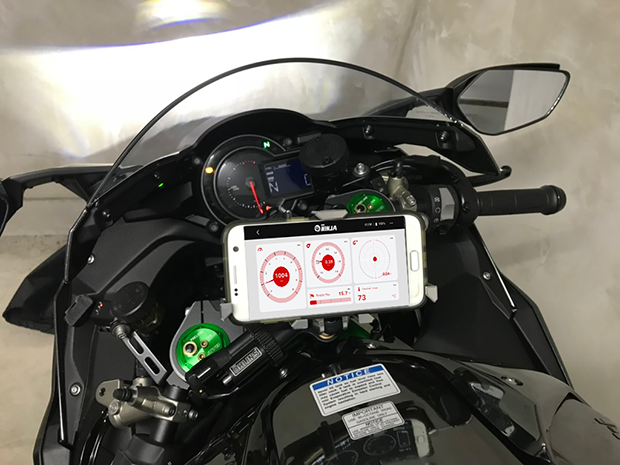
Track Your Drive
Monitor your drive in real-time with OBD2.
What's New
In the latest updates
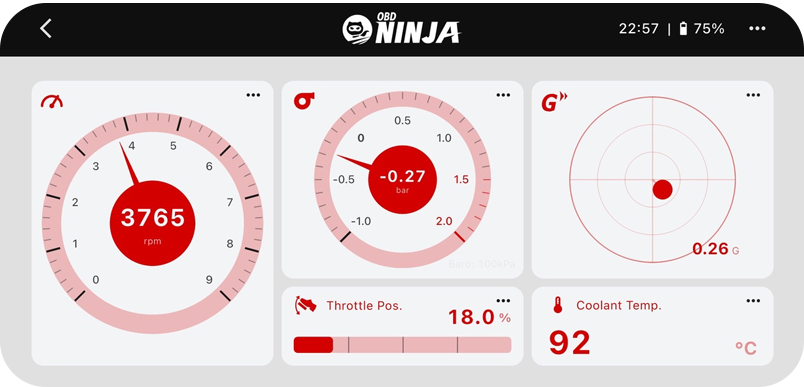
New: Twin Meter layout
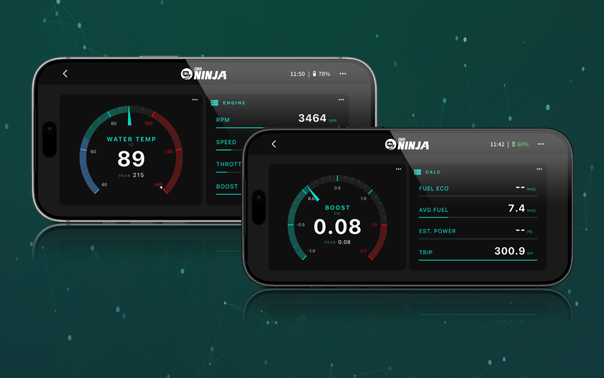
Turn your phone into an add-on coolant or boost gauge. Two large gauges with ring and set displays (Premium).
Learn more →New: Route Video Export
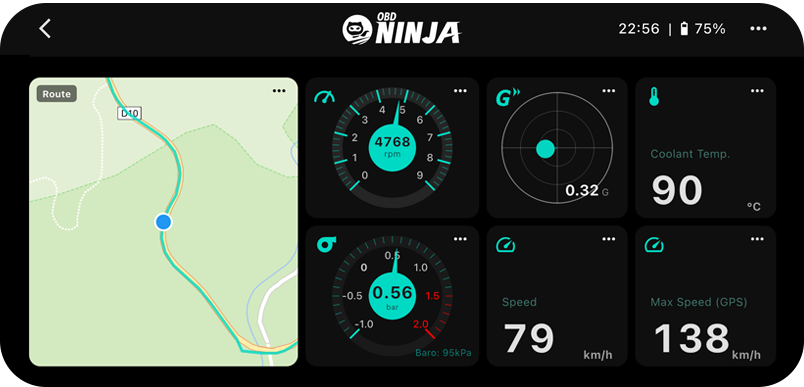
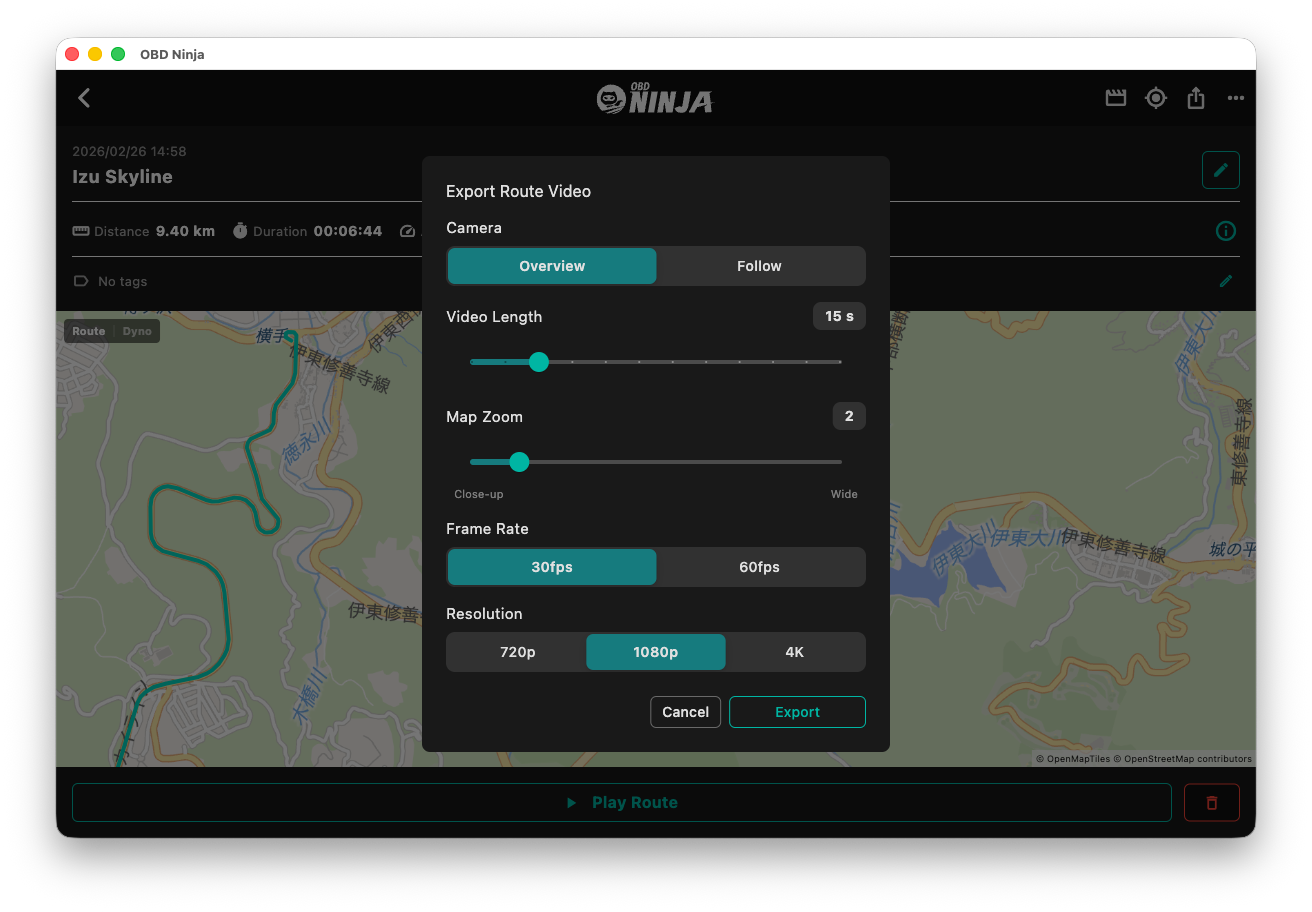
A short MP4 of your route drawing itself across the map — made for the title cut of your driving videos.
Learn more →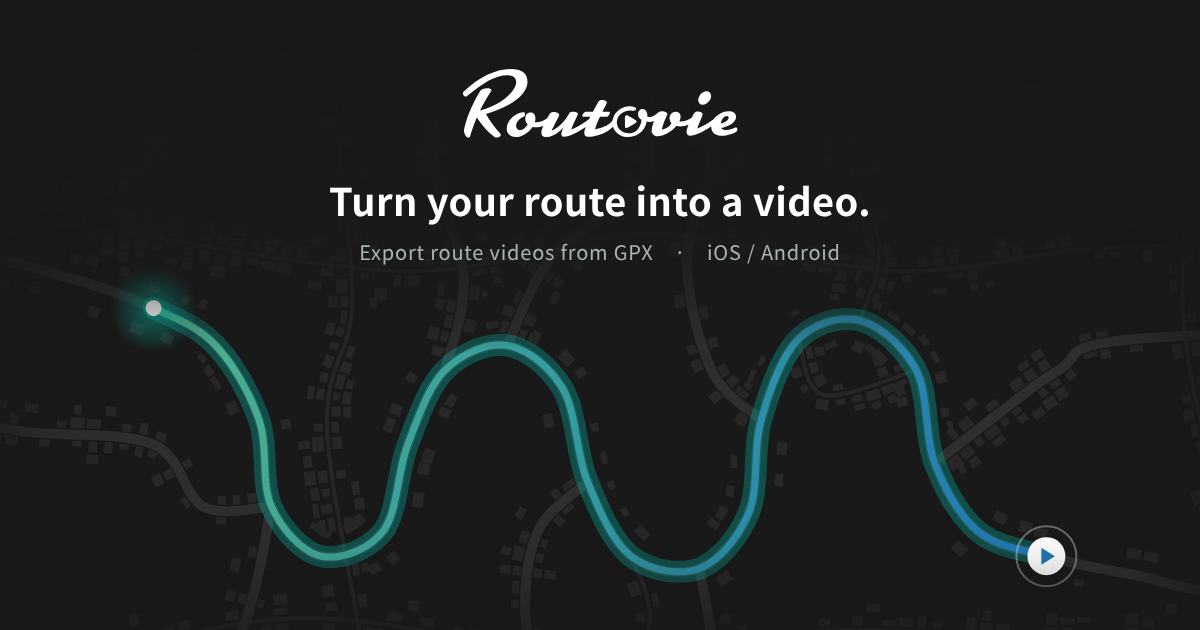
New sister app: Routovie
A phone app that turns any GPX into a route video — including your OBD NINJA drive logs. Out now on Android, iOS coming soon.
Learn more →Every Drive,
Enriched by Data.
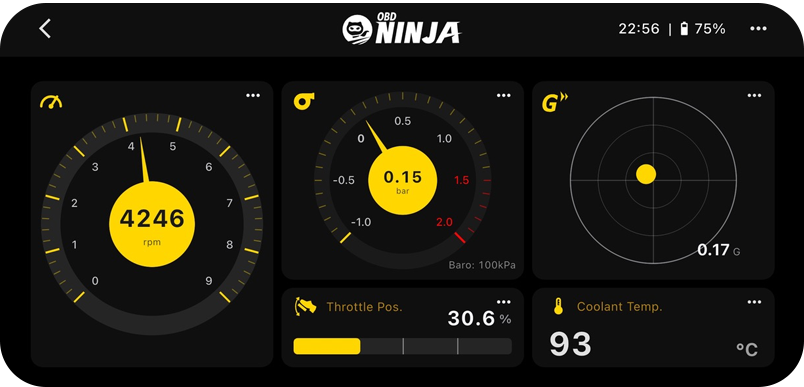
Visualize real-time data from the OBD2 port with an intuitive interface.
Real-Time Dashboard
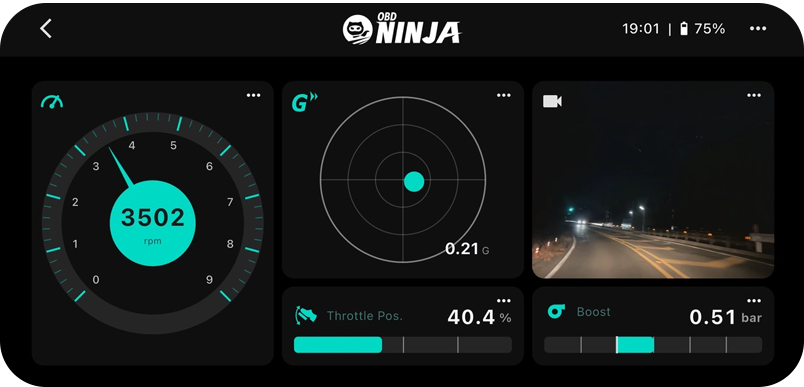
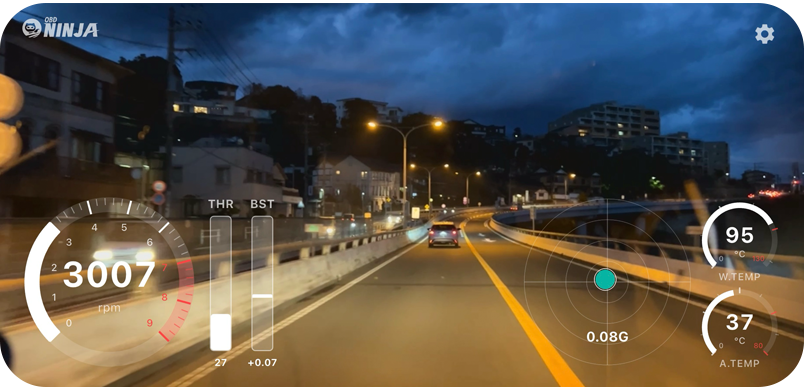
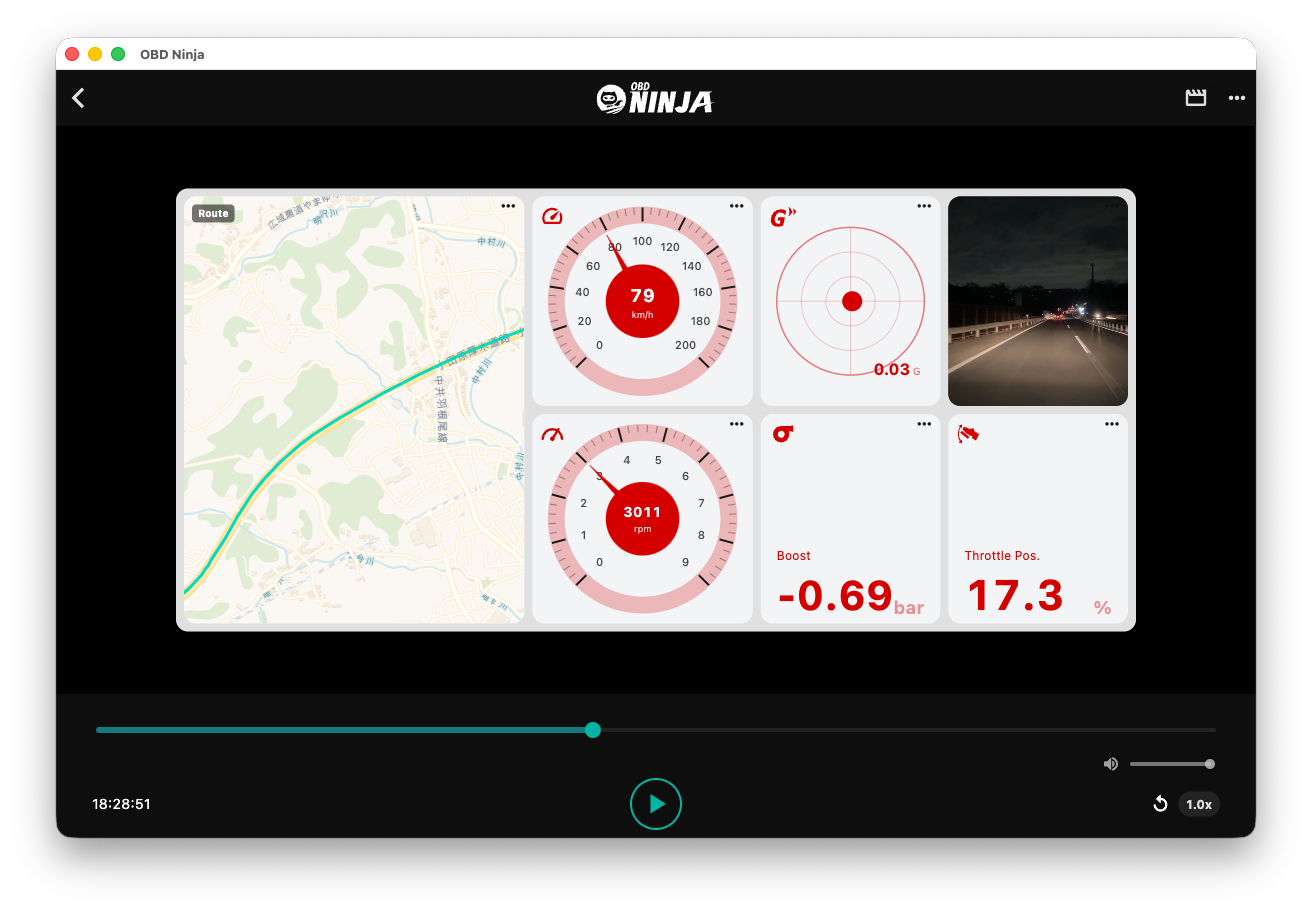
Visualize driving data from OBD2 with a beautiful, intuitive dashboard. Supports theme and layout customization.
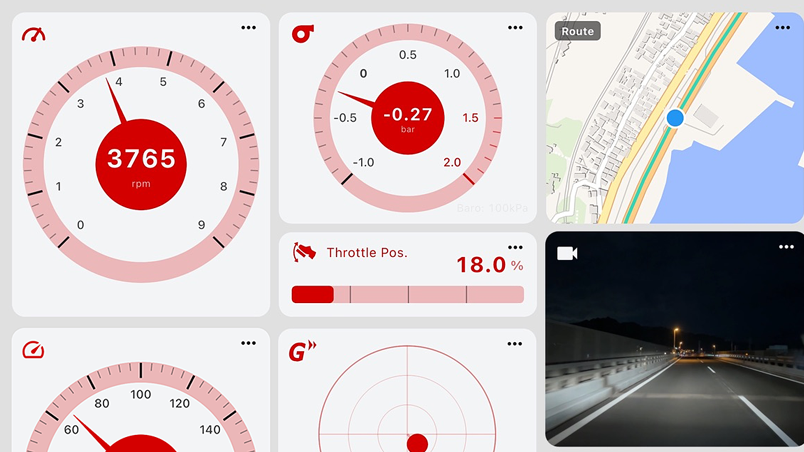
Precise Drive Logging
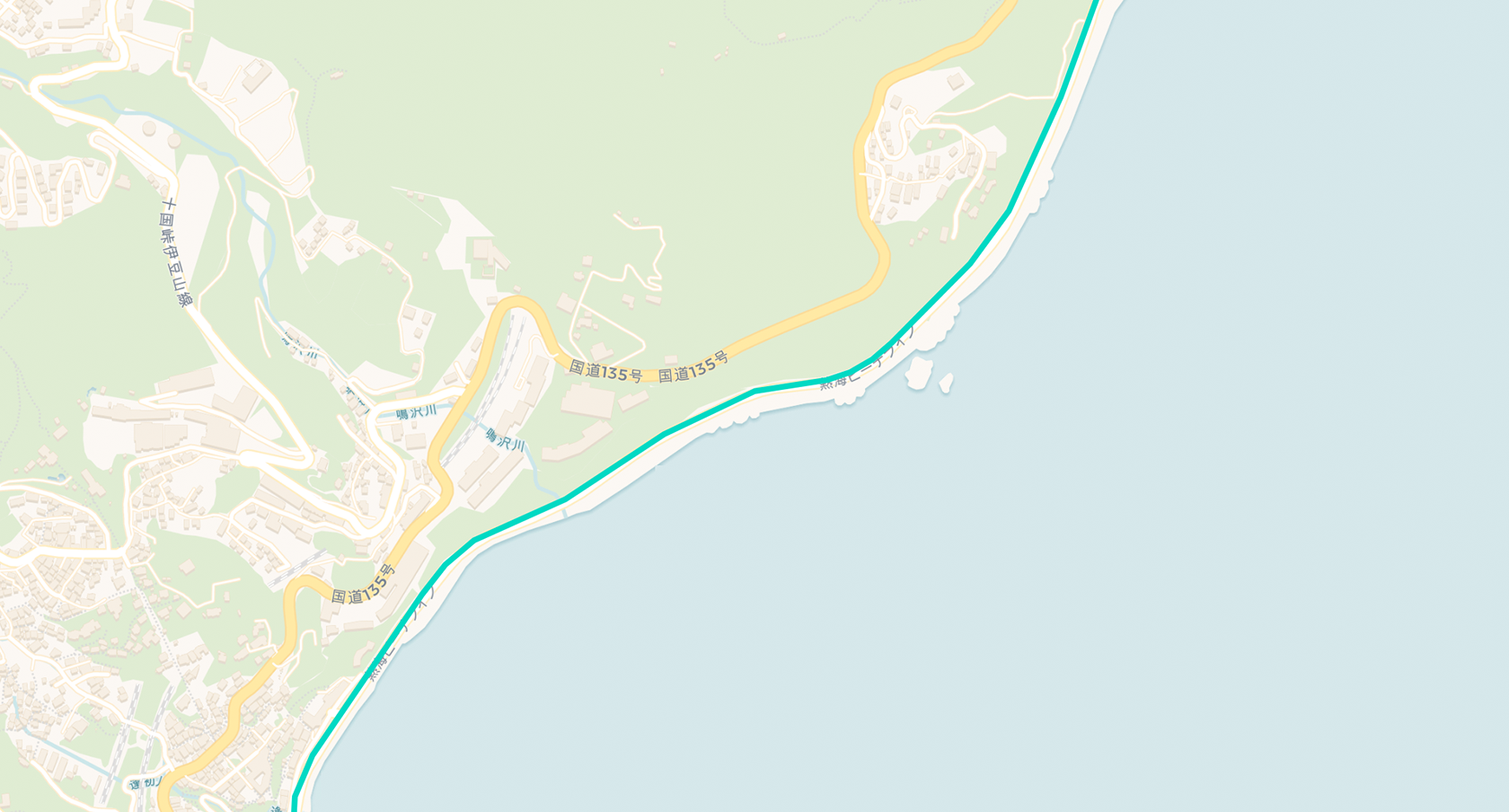
Record GPS coordinates and telemetry data in sync. Review your driving clearly anytime with integrated route display. Save the playback screen as a video, too.
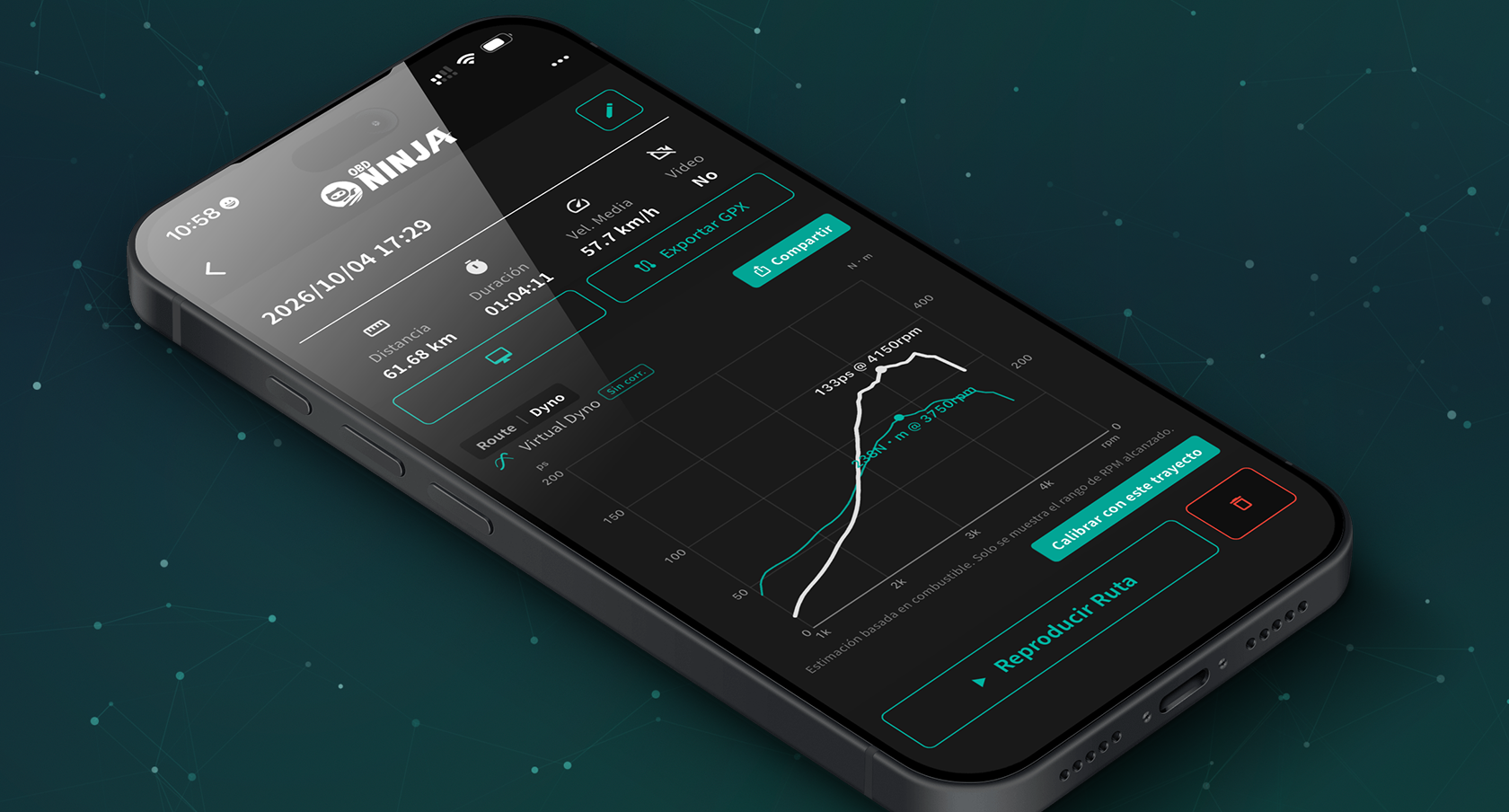
Virtual Dyno
A virtual chassis dyno that draws your drive's horsepower and torque curve from fuel-flow data. Share it as an image with peak figures and your car's name — free for everyone.
Camera Recording & Telemetry
Overlay telemetry data directly on video. Review your drive quickly with playback up to 8x speed. 4K (UHD) recording supported
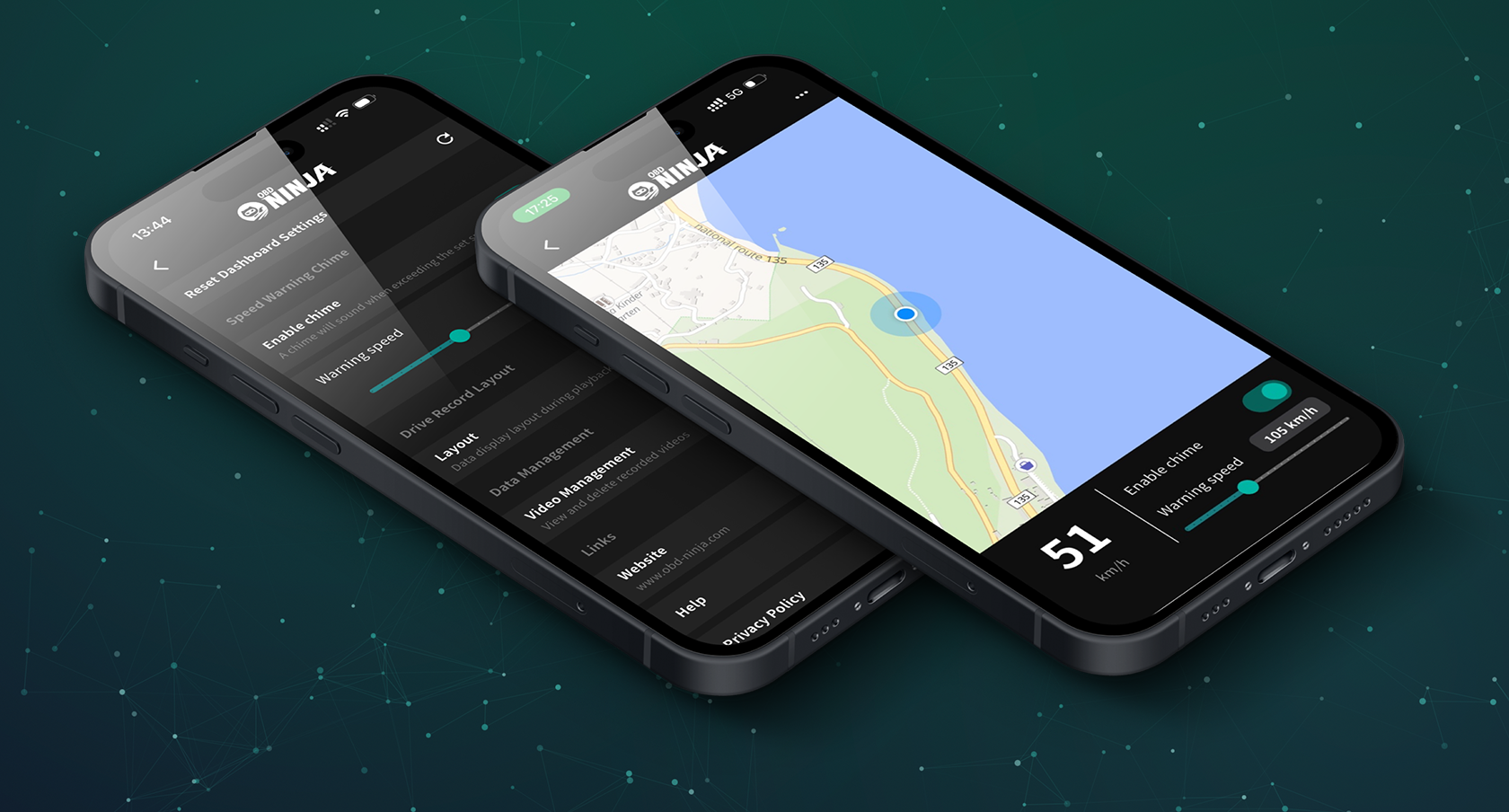
Speed Warning Chime
A recreation of the classic Japanese speed warning chime, featuring the iconic AE86 sound. With the new GPS Chime Mode, no OBD adapter is required — free for everyone.
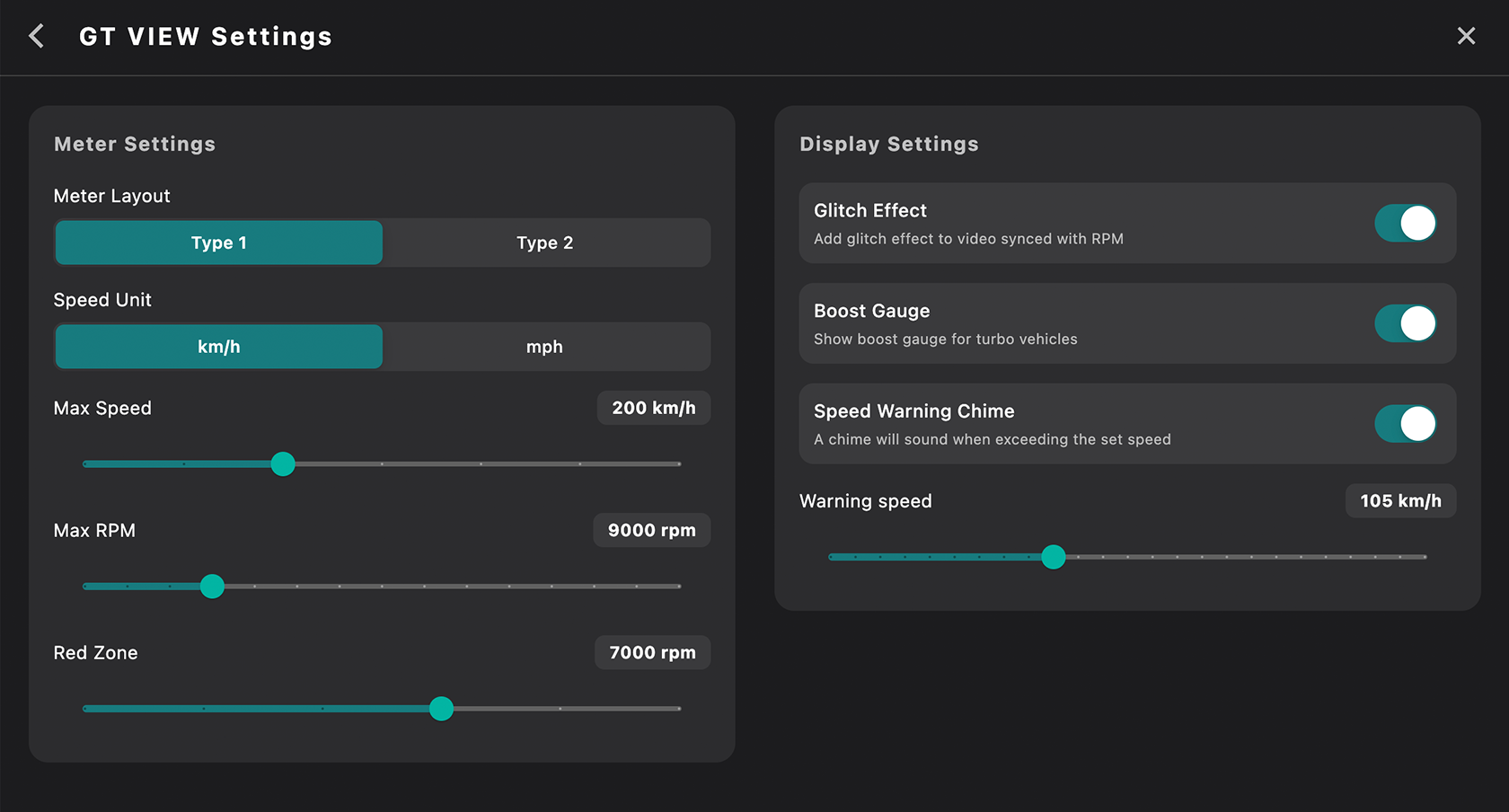
Flexible Settings
Supports display range, unit, and OBD protocol changes. Fine-tune the app to match your car and preferences.
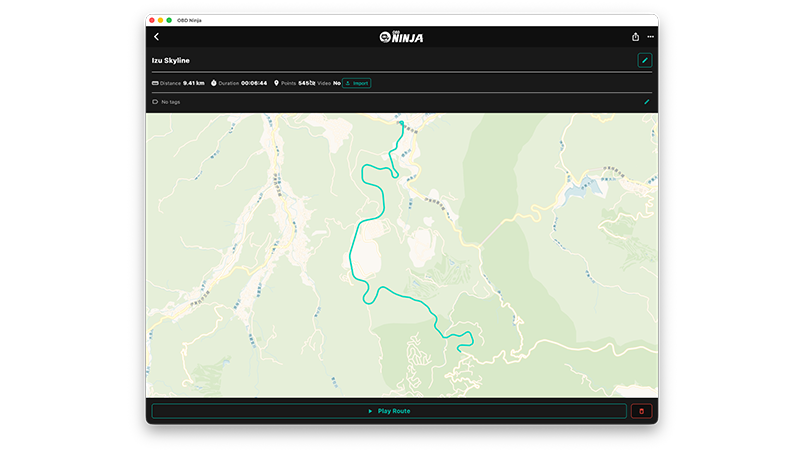
Desktop Integration
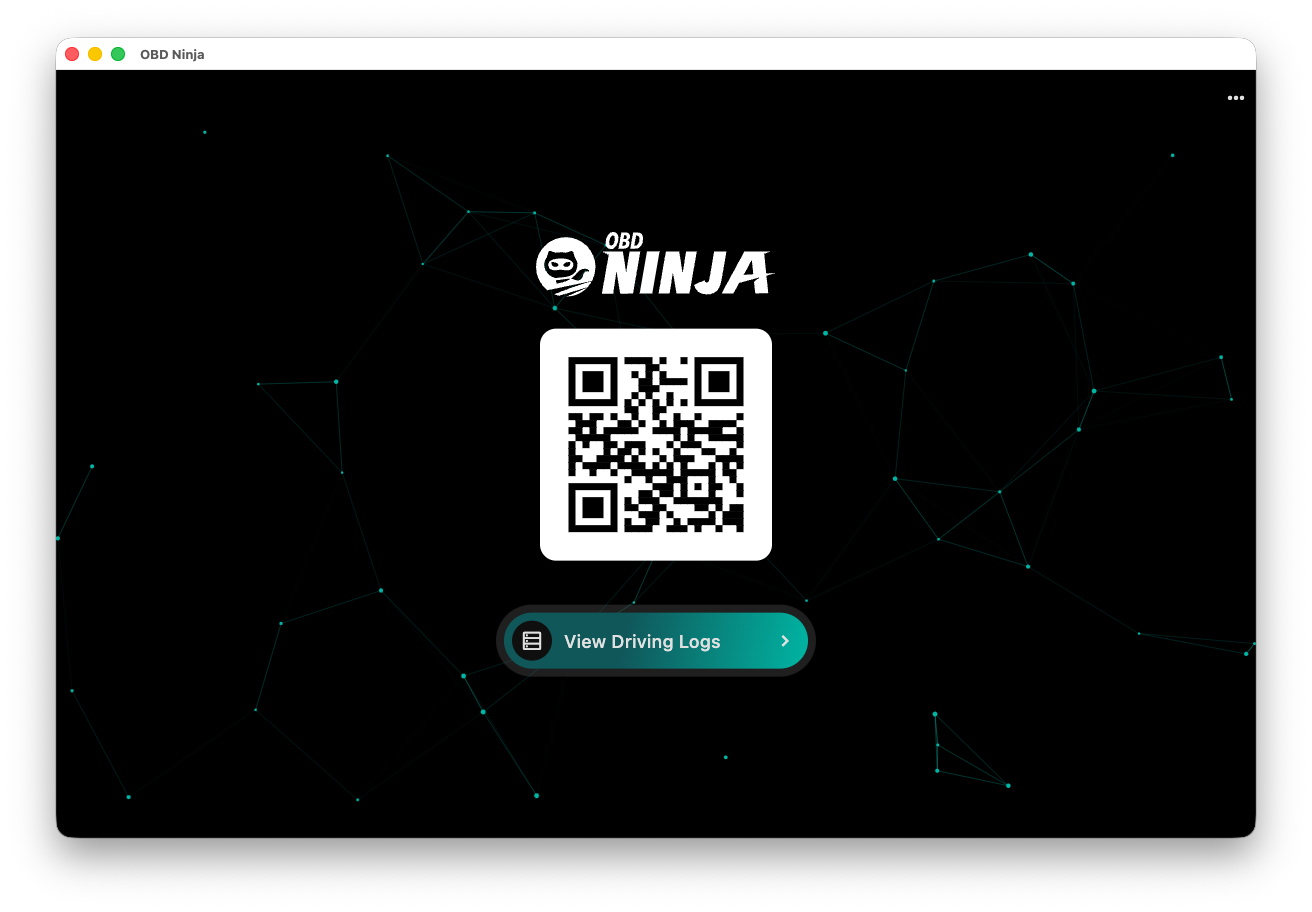
Easily send data from phone to PC via QR code. Export videos and timelapses on a large screen, and import dashcam footage.
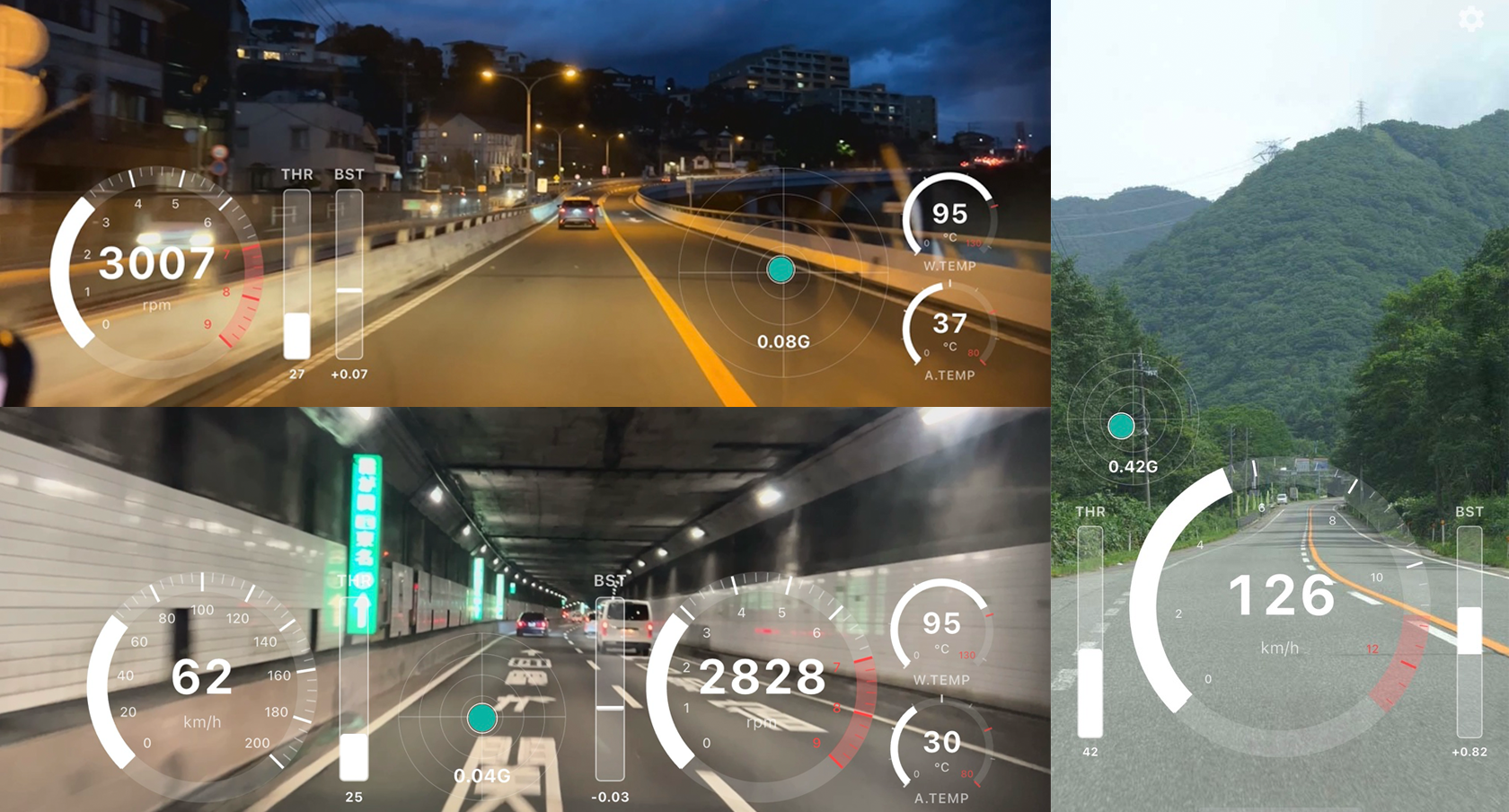
Relive Your Drive
in Racing HUD Style.
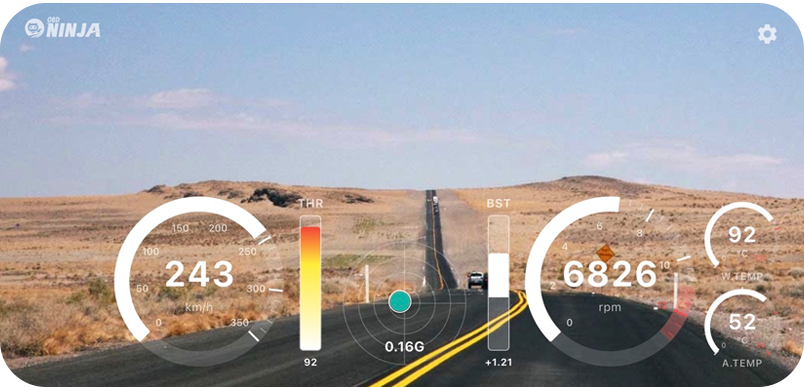
Racing game-like gauge display. Choose from multiple layouts.
Recorded with OBD Ninja (iPhone 14), then imported into OBD Ninja Desktop and exported as video
Get Started
in 3 Steps.
Get an OBD2 Adapter
Prepare a Bluetooth LE compatible ELM327 adapter
Connect via Bluetooth
One-tap automatic pairing from within the app
Start Monitoring
Monitor engine data in real-time
What is OBD?
OBD (On-Board Diagnostics) is a vehicle self-diagnostic system built into cars. It has been mandatory in cars sold since 2008 (in Japan) and is available in most modern vehicles worldwide. You can read data managed by the car's ECU (Engine Control Unit), such as engine RPM, speed, coolant temperature, and throttle position.
Simply plug a Bluetooth-compatible adapter into the OBD2 port located near the driver's footwell to start getting real-time data on your smartphone.
Verified Compatible Adapters
* Any Bluetooth LE compatible ELM327 adapter can be used
OBD2 adapters that work with OBD NINJA >Drive free,
keep the footage with Premium.
- BLE Connection (Bluetooth LE)
- Real-Time Dashboard
- OBD Data & Route Logging
- Save Playback as Video (Screen Recording)
- G-Meter Display / Speed Warning Chime
- Estimated Power Slot / Virtual Dyno (horsepower & torque from fuel flow, shareable as an image)
- Theme Selection
For drivers who want to keep the driving footage too.
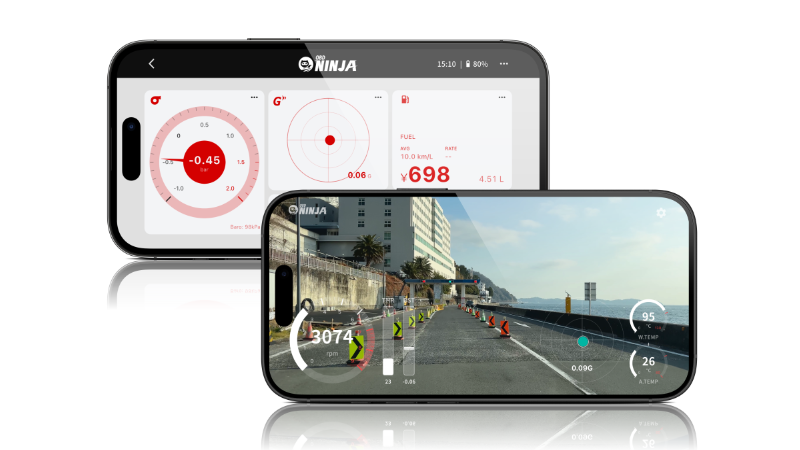
- Synced Video Recording — save driving footage alongside OBD data
- GT View — cinematic playback with speed, G-meter & gauges burned in
- Twin Meter — turn your phone into an add-on coolant or boost gauge with two large gauges
- Vehicle Profiles — save & switch dashboard layouts and fuel settings per vehicle
- Power Calibration — tune the estimated power coefficient to your car from real-world acceleration data
- Drive Data Backup to Desktop — replay & export on your PC's big screen
~$3.33/mo — Save 33%
Relive Your Drive
on the Big Screen.
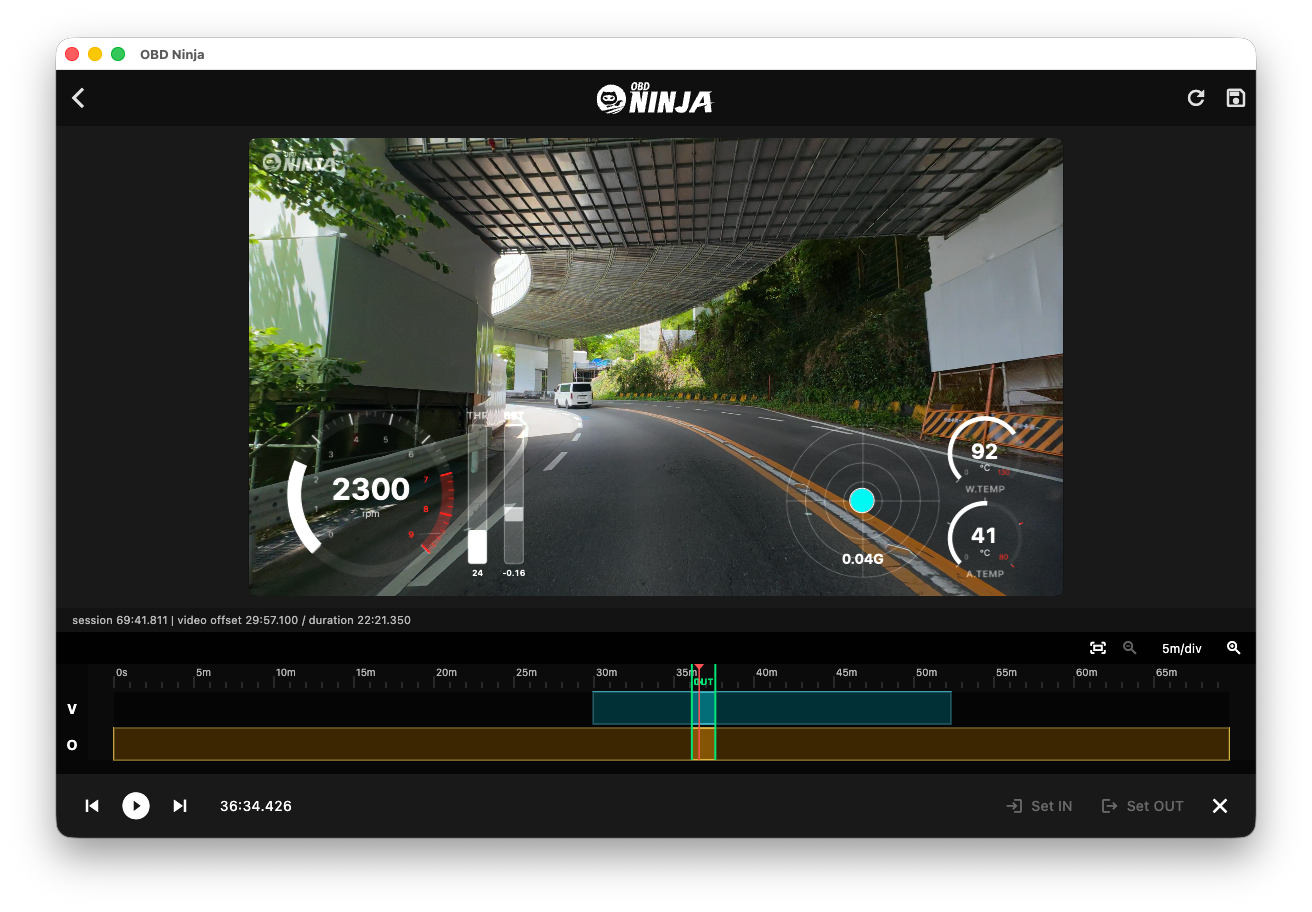
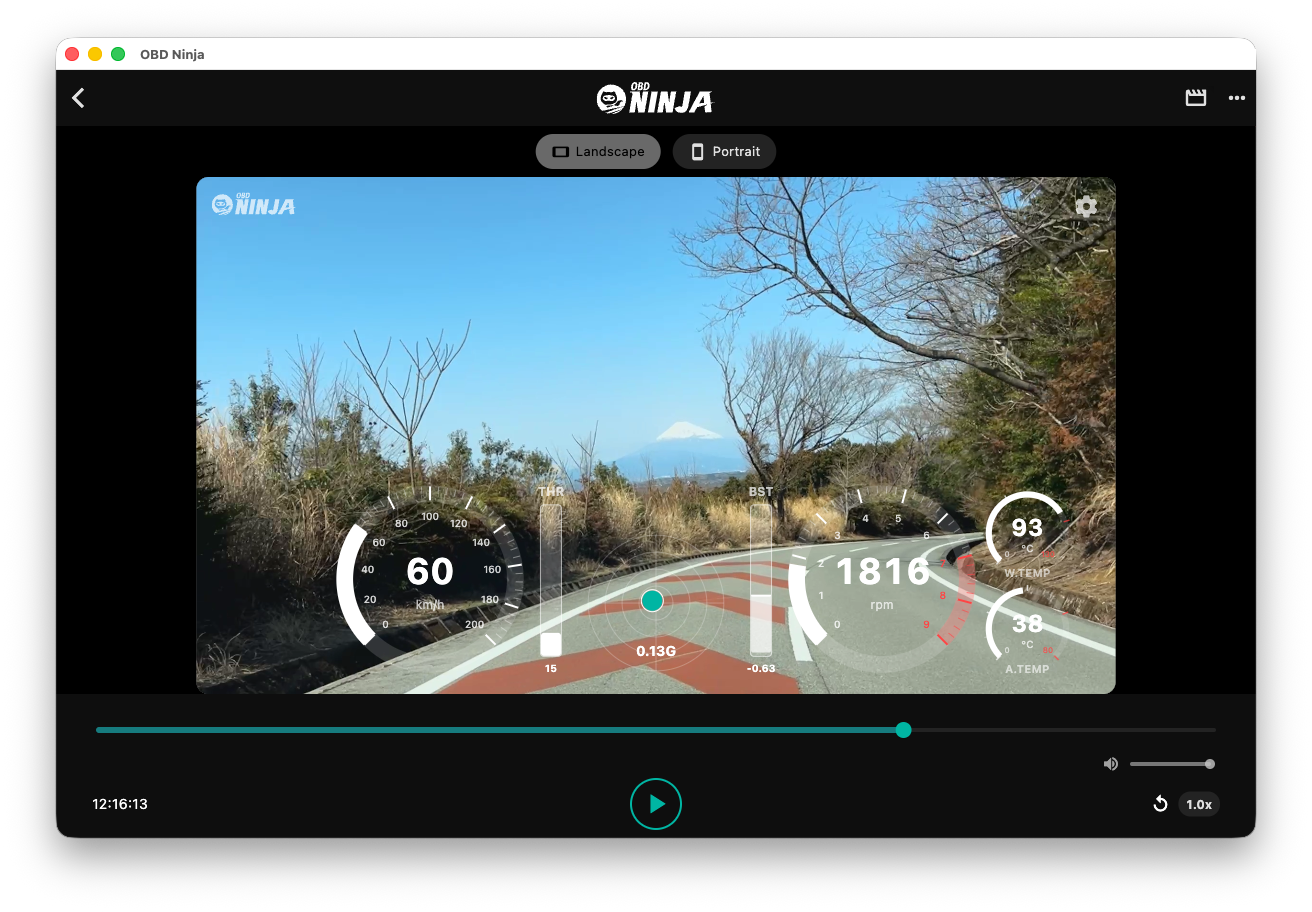
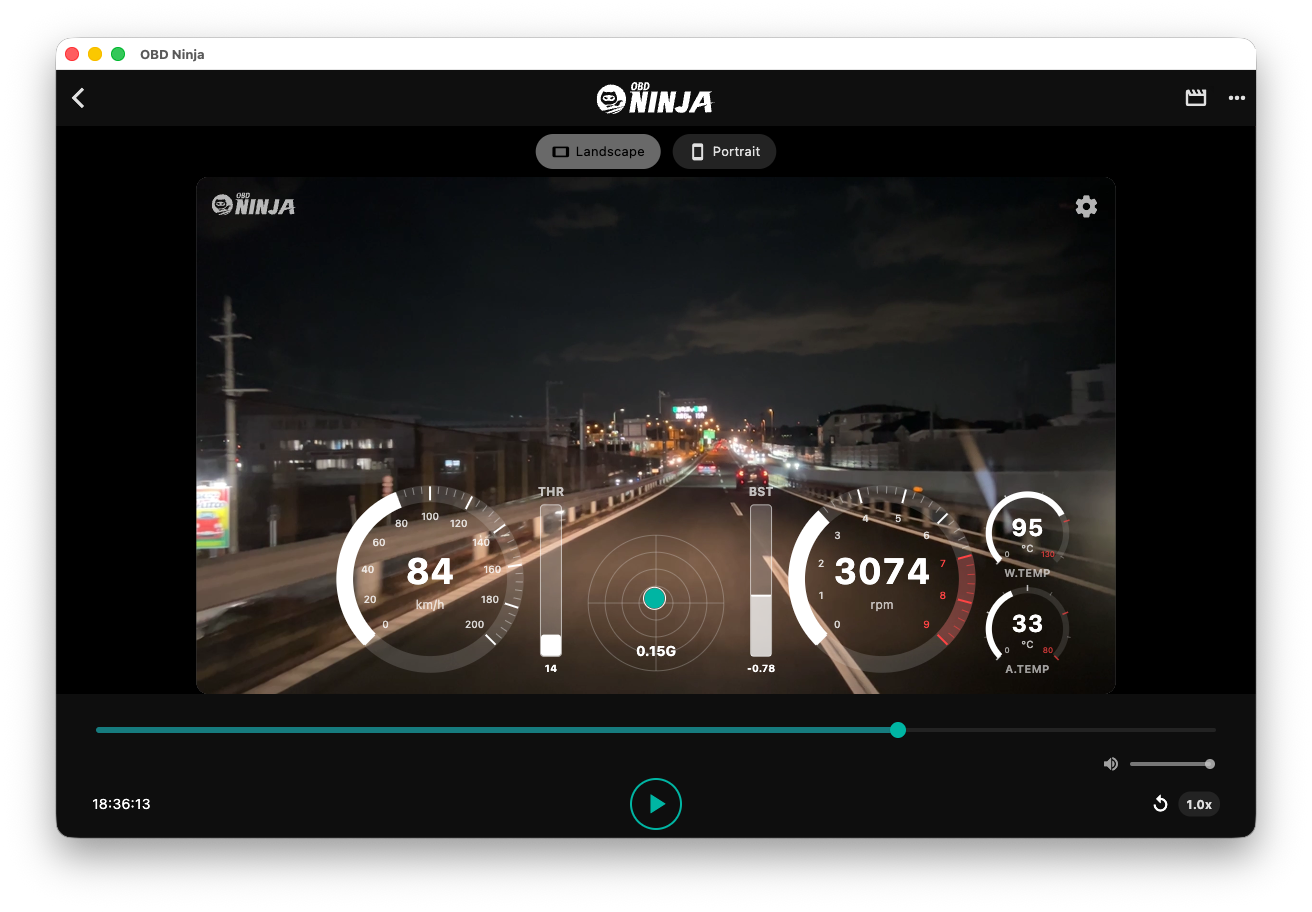
Replay drive data recorded on your phone on the desktop. GT View also supports video/data sync timing adjustment and trimming.
Mac & Windows
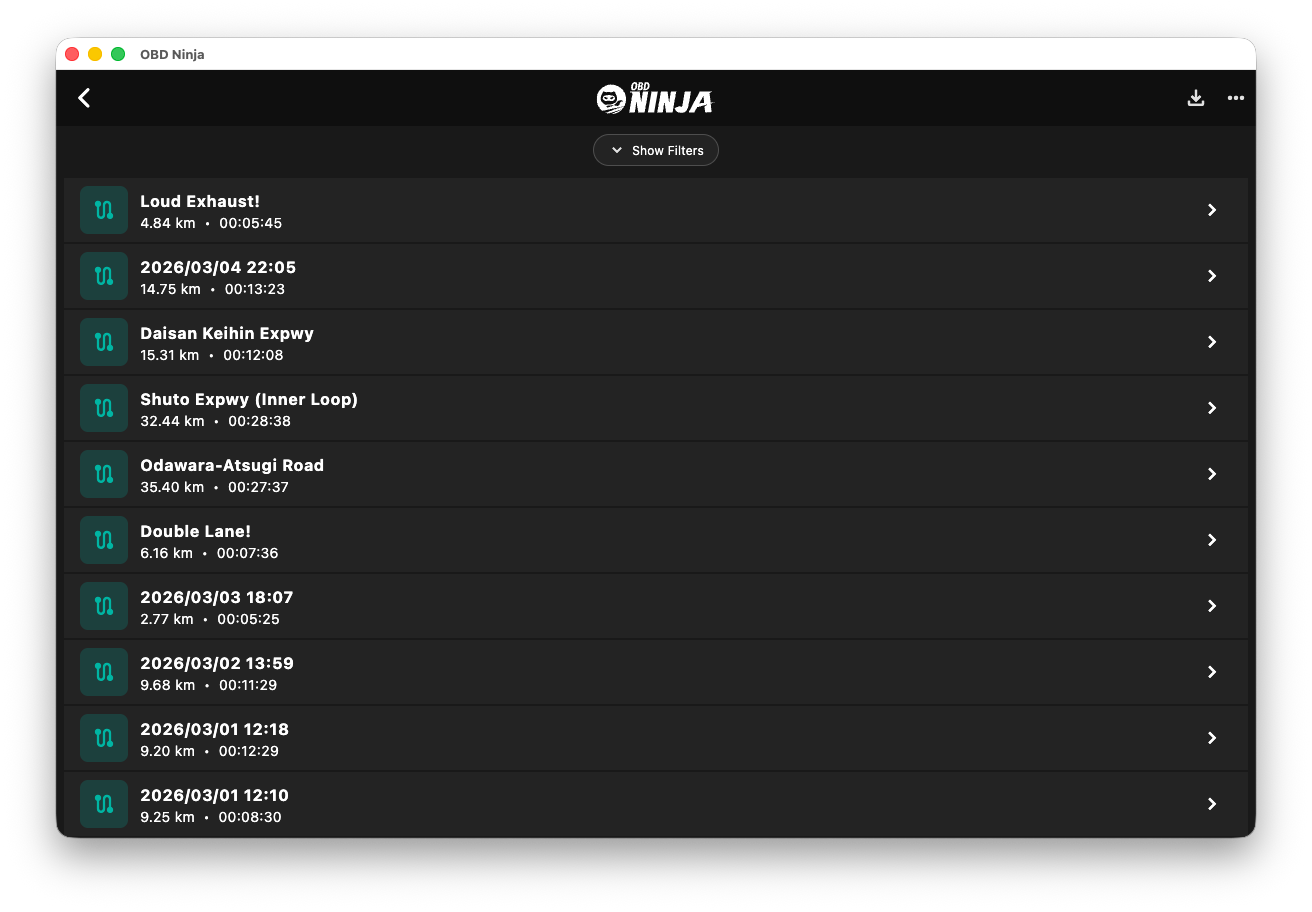
View telemetry on a large desktop screen
QR Code Transfer
Send data with one tap from your phone
Video Export
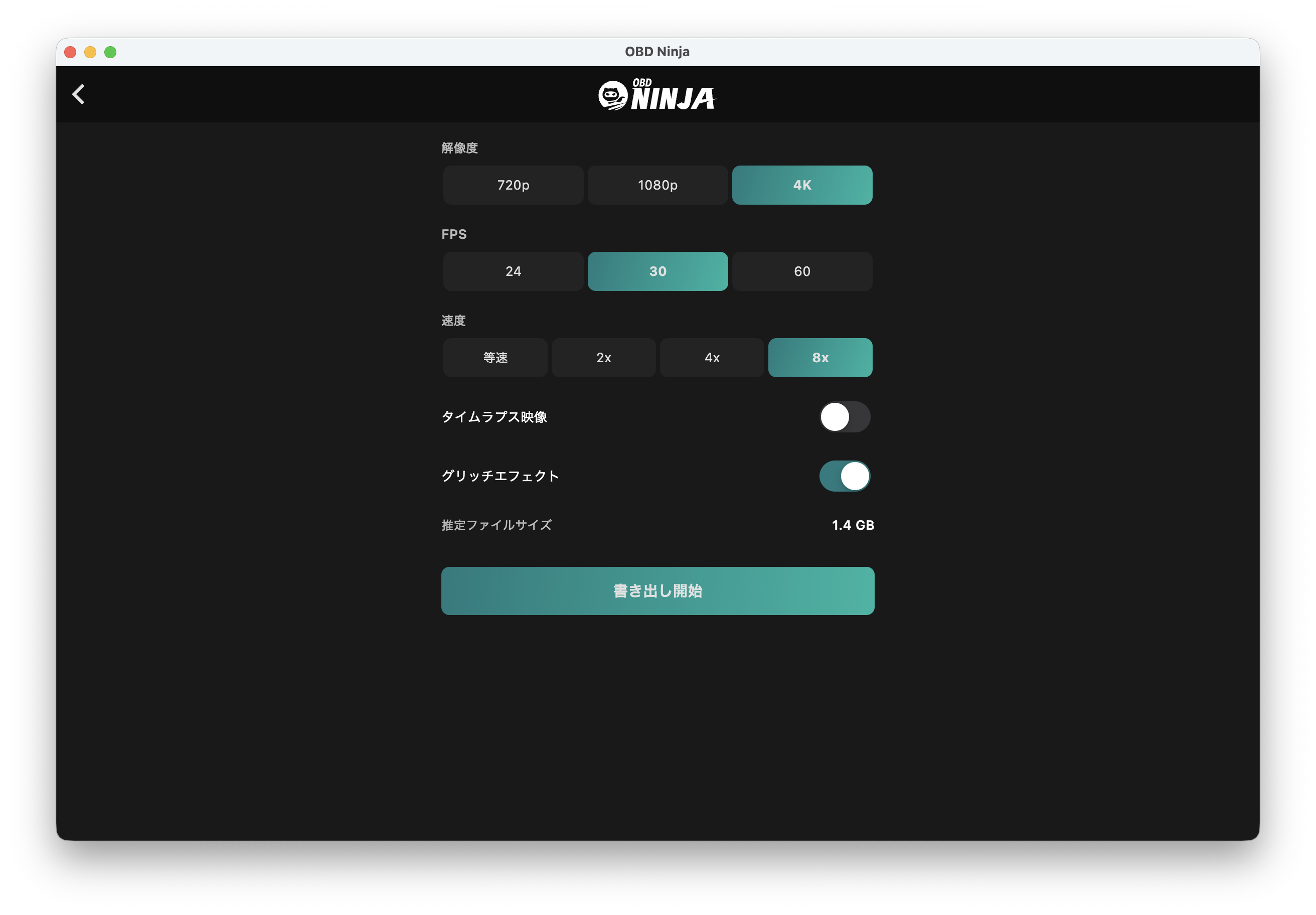
Export videos with telemetry at up to 8x speed in 4K/HDR, with timelapse support
Dashcam Import
Import external camera footage, with OBD data sync and trimming
Route Video Export
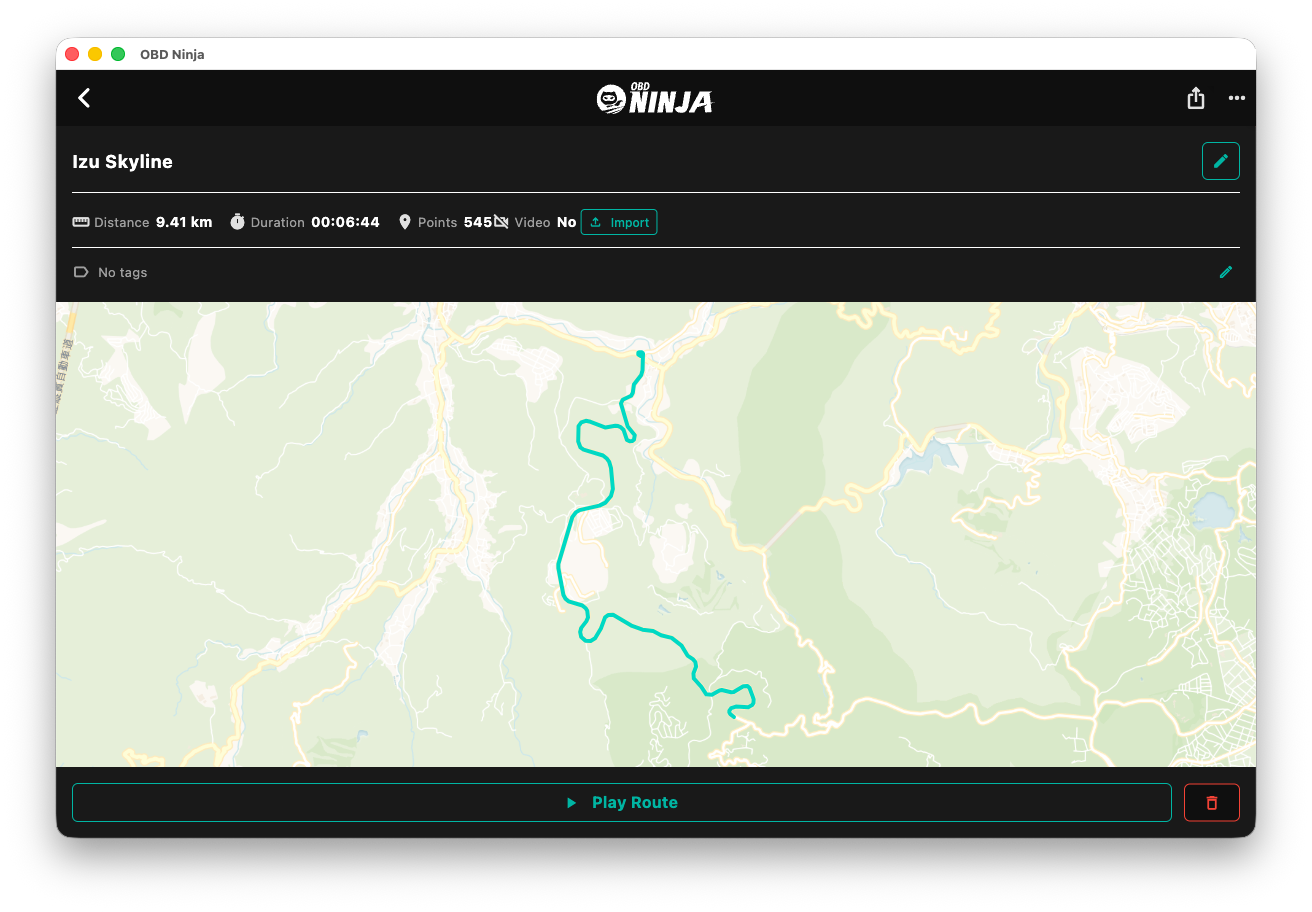
Export a short MP4 of your route drawing itself across the map — made for the title cut of driving videos (GPX export too)
Power & Virtual Dyno
Show estimated horsepower and torque in playback and exported videos, plus a power curve for any drive log